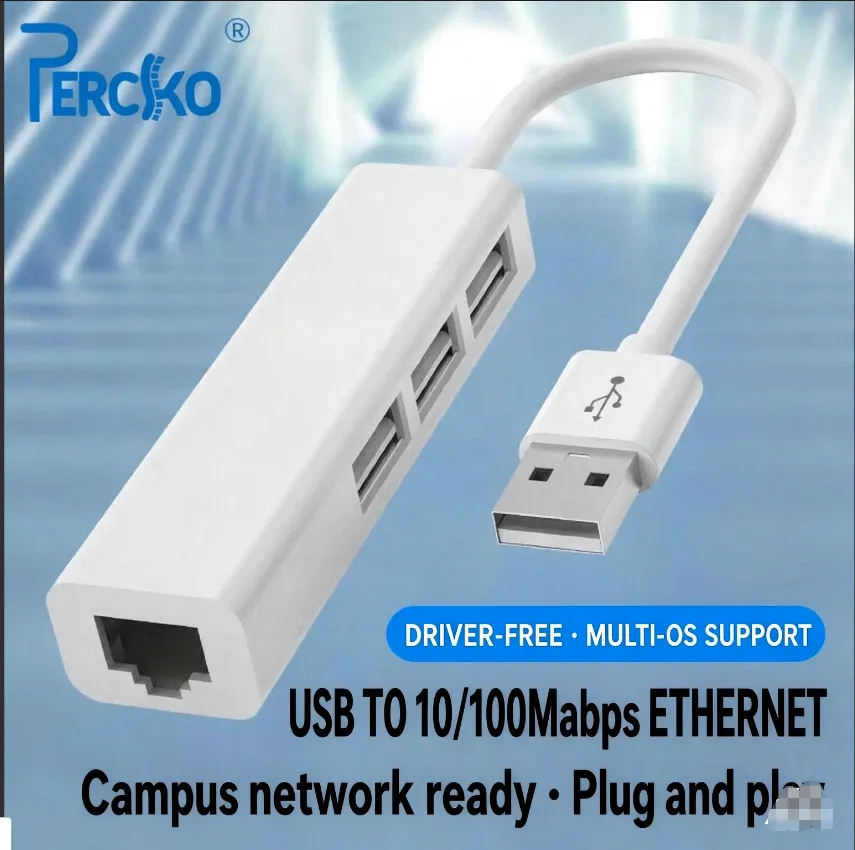

The PERCKO USB to Ethernet Adapter — plug it in, get back online.
The Port That Quietly Disappeared
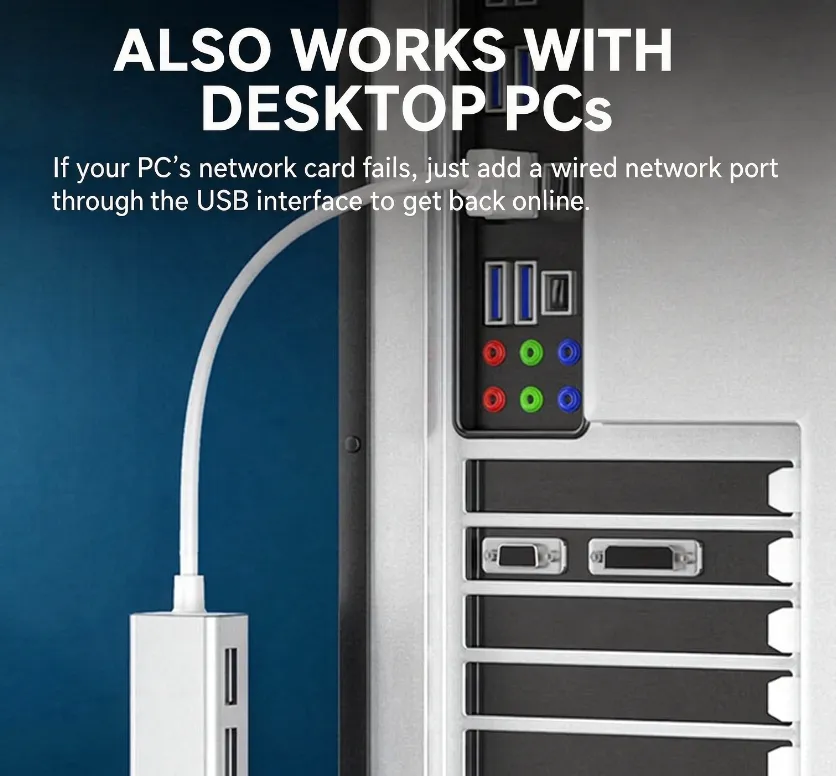
Somewhere along the way, laptops got thinner and the Ethernet port got evicted. Nobody asked. It just happened. And now here you are, sitting in a hotel room at 11 p.m., watching a video call freeze for the fourth time because the Wi-Fi “works fine” — right up until you actually need it. Or you’re on campus, where the network technically exists but only behaves itself if you’re plugged into a wall. Or your desktop’s network card finally gave up, and the choice is this little white adapter or an afternoon inside your case.
One Plug. Zero Drama.
That’s really the whole pitch. USB-A on one end, RJ45 on the other. You plug it in, and it works — no driver CD, no hunting around a support page, no restarting twice and hoping. It’s genuinely driver-free across multiple systems, so whether you’re on Windows, macOS or Linux, it just shows up and does its job. Then you plug in a cable, and suddenly your connection stops being a variable.
For the Machines Everyone Else Gave Up On
This is the fix for the situations nobody markets toward. The old desktop in the corner with a dead onboard NIC. The dorm room where campus network means cable or nothing. The office laptop that’s fine everywhere except the one meeting room with terrible reception. The thin client, the NAS box, the travelling setup where you can’t control the Wi-Fi. Instead of opening the case or buying a PCIe card you don’t strictly need, you plug this in and move on with your day.
Straight Talk: 100Mbps, Not Gigabit
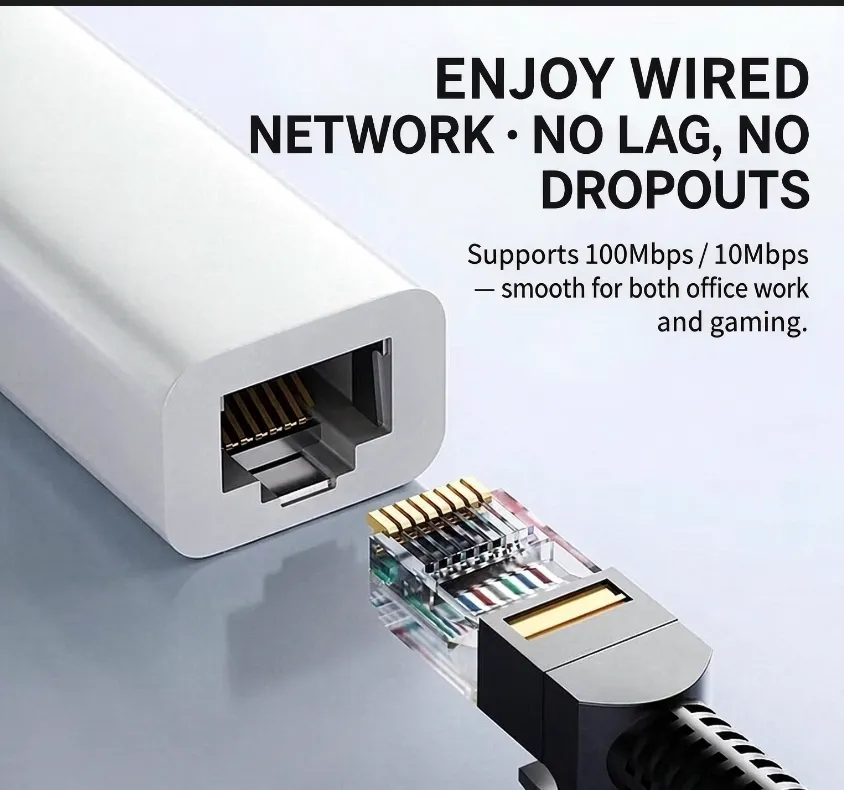
et’s be honest about what this is. It’s a 10/100Mbps adapter — not gigabit. If you’re pushing large file transfers across a local server all day, you want a proper gigabit NIC instead. But for office work, stable video calls, online classes, campus logins, and yes — gaming, where what actually ruins your match is latency spikes, not raw bandwidth — wired 100Mbps beats flaky Wi-Fi every single time. A steady 100 will always feel faster than a Wi-Fi connection that keeps dropping to nothing.
Built to Stay Cool, Built to Last
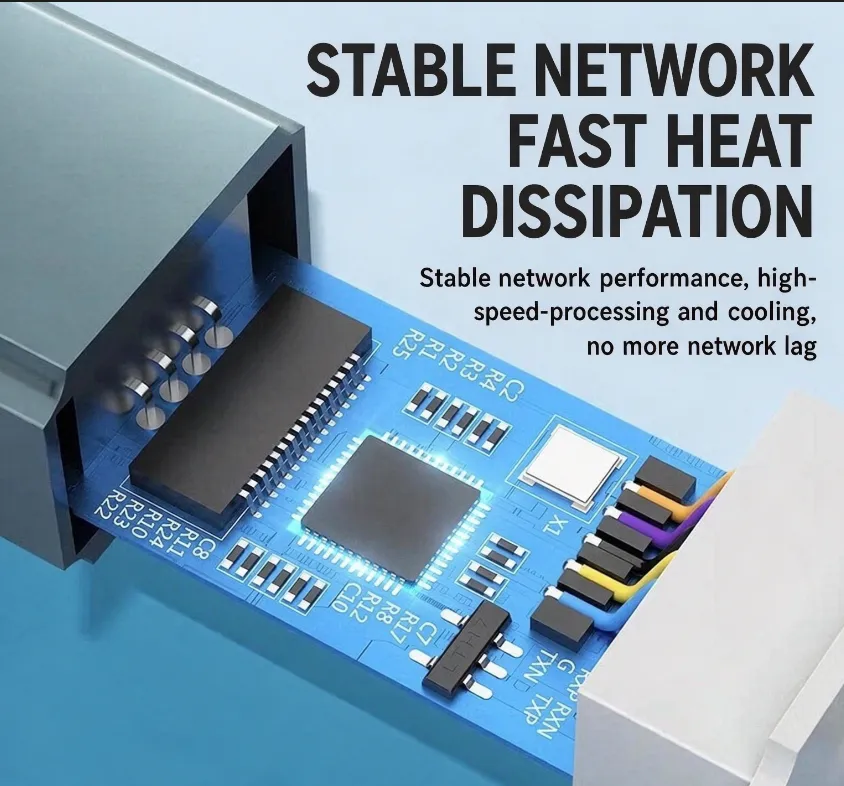
There’s a reason it’s got real thermal design inside rather than a bare chip glued into a plastic shell. Adapters that cook themselves are adapters that disconnect randomly at the worst possible moment. This one stays cool, stays connected, and doesn’t drop out mid-download. Stable network, no lag, no dropouts — that’s the point of wired in the first place, and it’s the part cheap adapters get wrong.
Bottom Line
You can keep fighting the Wi-Fi. You can keep unplugging and replugging, moving closer to the router, restarting the thing at 2 a.m. Or you can spend less than the price of lunch on an adapter that makes the problem stop existing. Plug it in once, forget it’s there, and enjoy a connection that just holds.
Wired. Stable. Plug and play. No lag, no dropouts, no drama.