
Let’s be honest — most people stumble into “soft router” territory because their home network finally broke them
You upgraded to gigabit fiber. Behind the modem sits a tangled mess of three or four routers. A NAS hums in the corner. Add security cameras, a download box, and a growing pile of smart home gadgets, and somehow… nothing got faster. The moment someone starts a download, the whole house stutters.
You blame the bandwidth. But the real problem is simpler: the thing handling your network traffic was never designed for this.
So what now? Drop a few thousand on an enterprise router that sounds like a hair dryer?
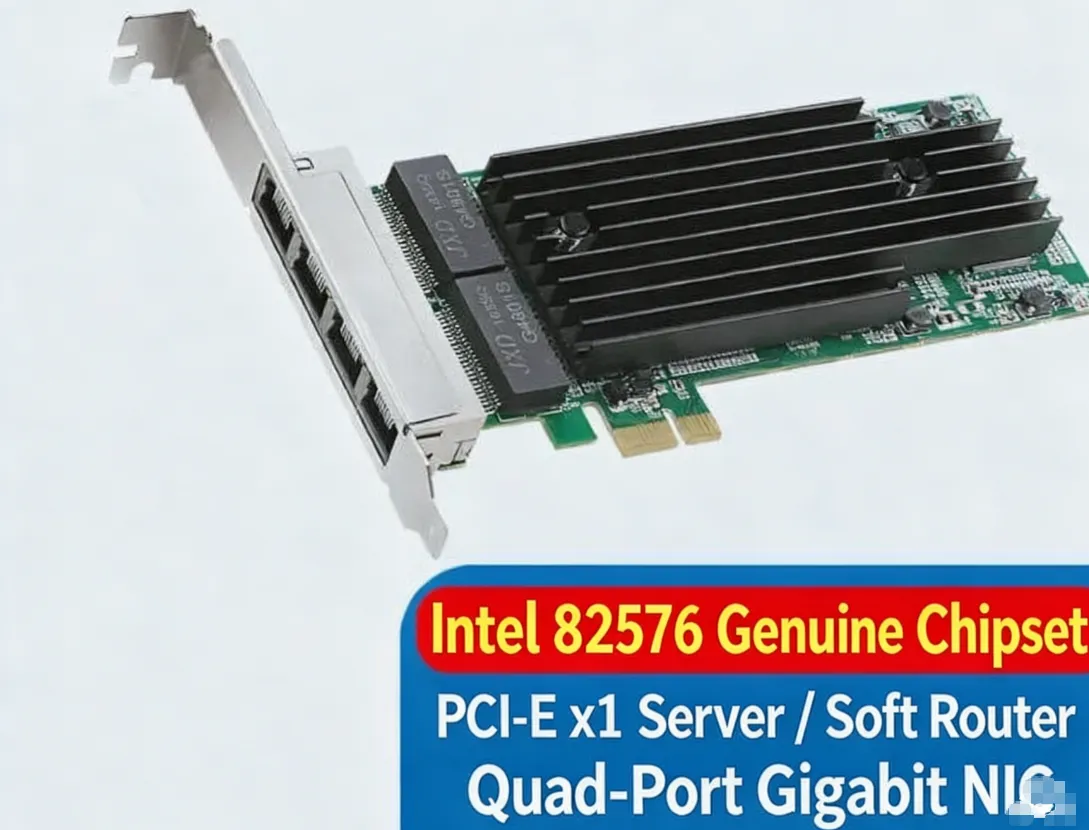
Or — grab that idle mini PC, old tower, or decommissioned server sitting in the closet, and drop in an Intel 82576 quad-port Gigabit NIC.
First things first: is the chipset real?
Anyone who’s built a soft router knows the rule — the chipset is everything.
Scroll through the cheap listings and you’ll see plenty of cards labeled “Intel solution.” Pop the heatsink off and you’ll find remarked chips, pulled parts, or straight-up clones. They light up fine. Then three days later: dropped links, packet loss, random disconnects — and a weekend you’ll never get back.
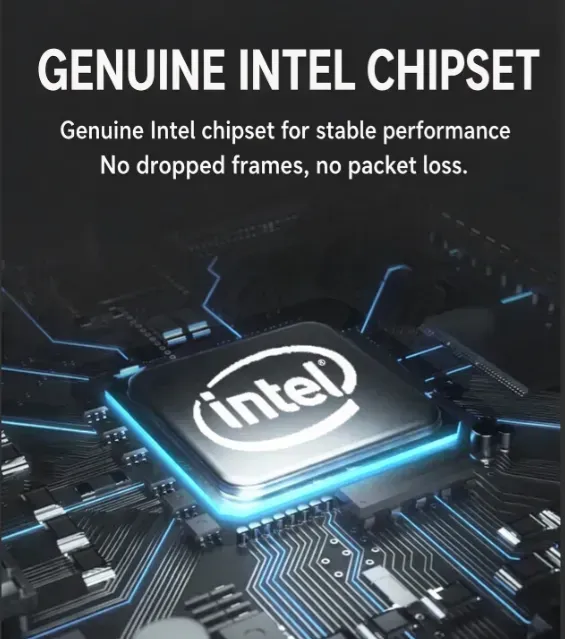
This card runs a genuine Intel 82576 chipset. Two chips on the board, clean top markings, no white paint covering up a previous part number. Why does that matter? Drivers, stability, and compatibility stop being your problem.
Four ports — that’s the whole point
One card, four RJ45 Gigabit ports. Suddenly your options open up:
One port in — modem or upstream router
Three ports out — living room, bedroom, office, each on its own run
Or the more popular setup: one WAN in, then split the rest across LAN, VLAN isolation, a dedicated line for the NAS, and a separate network for guest Wi-Fi. Clean topology, no more daisy-chaining switches and hoping for the best.
Running iKuai, OpenWRT, RouterOS, or pfSense? Four ports is the baseline. Buy a two-port card now and you’ll be shopping again in six months.
Does it need drivers? — and other things you don’t want to deal with
Fair question. Short answer: basically no.
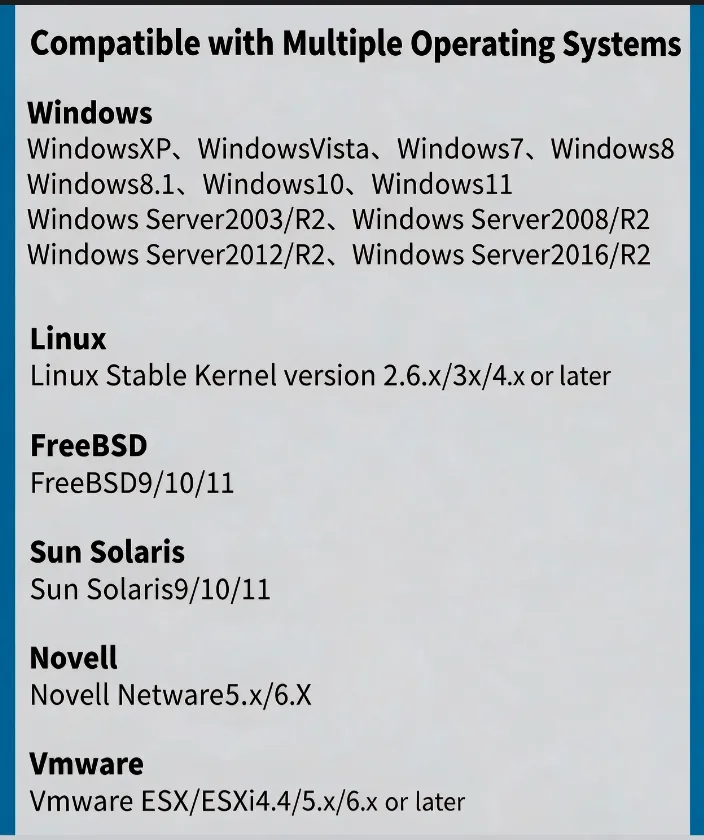
On Linux, the 82576 runs on the in-kernel igb driver — plug it into any mainstream distro and it just shows up. FreeBSD 9 / 10 / 11 supports it natively. VMware ESX/ESXi 4.x, 5.x, 6.x and later are on the compatibility list too. On the Windows side, everything from XP through 11, plus the Server editions, is covered.
Solaris and Novell Netware are also in the mix — not something most people need in 2026, but if you’re keeping some ancient machine alive on the network, this card will do it.
Translation: install your OS, and the ports light up. No driver hunt, no kernel parameter surgery. For anyone who’d rather not spend a Saturday in the terminal, that’s worth more than any spec sheet number.
Two things people forget to check
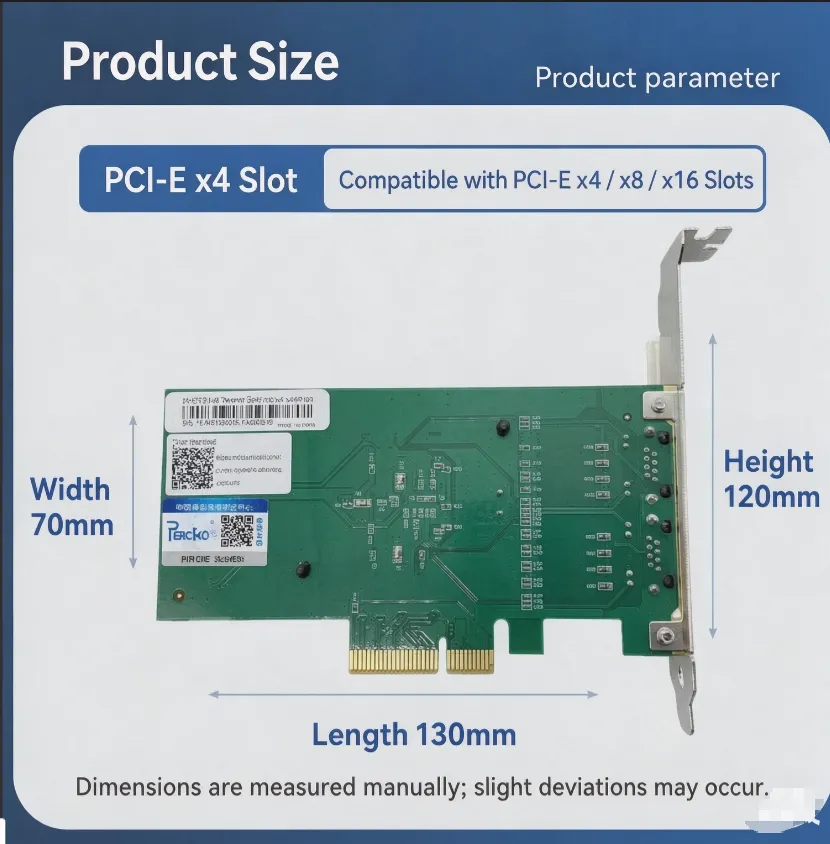
Slot type. This is a PCI-E x1 card, which is great news — it drops into the shortest PCIe slot on your board and leaves the long ones free for a GPU, RAID controller, or 10GbE card. Is x1 enough for four Gigabit ports? Easily. Even with all four saturated you won’t hit the x1 ceiling, and real-world routing traffic isn’t close.
Physical size. Roughly 70 mm wide × 120 mm tall, about 130 mm in length, with a standard-height bracket. It’ll drop into any normal tower or 2U server. Just eyeball your case before you order — nothing worse than the card arriving and the bracket not clearing.
Dimensions are measured by hand, so allow for slight deviation. Fair warning, and also just good advice: measure twice.
Who is this actually for?
- You’ve got an old PC or mini host doing nothing, and you want a proper soft router
- Your home lab needs more ports, and switches are eating your desk
- You’re running a small office and want VLANs without buying managed-switch pricing
- You want ESXi or Proxmox up and running without fighting hardware compatibility
If any of that sounds familiar, this card is hard to beat for the money.
One genuine Intel 82576 chipset, four Gigabit ports, driver-free across Windows / Linux / FreeBSD / VMware. Skip the endless spec comparisons and get your network sorted this weekend — your buffer-free 4K streaming will thank you.
Heads-up before you publish: your first image lists the card as PCI-E x1, while the dimension image says x4 slot (compatible with x4/x8/x16). Those are two different SKUs. The English copy above is written for the x1 version — if this listing is actually the x4 model, swap the slot section and I’ll adjust the wording.